
My company uses Power BI and I cannot see the data from Leaftech Ag

Apr 14, 2026
1026

There are a couple of ways to access the report.
- Staying within the company web browser:
- Log out of your company's Power BI account
- Open the link to the Leaftech Ag report
- Log in with your Leaftech Ag account
- View your data
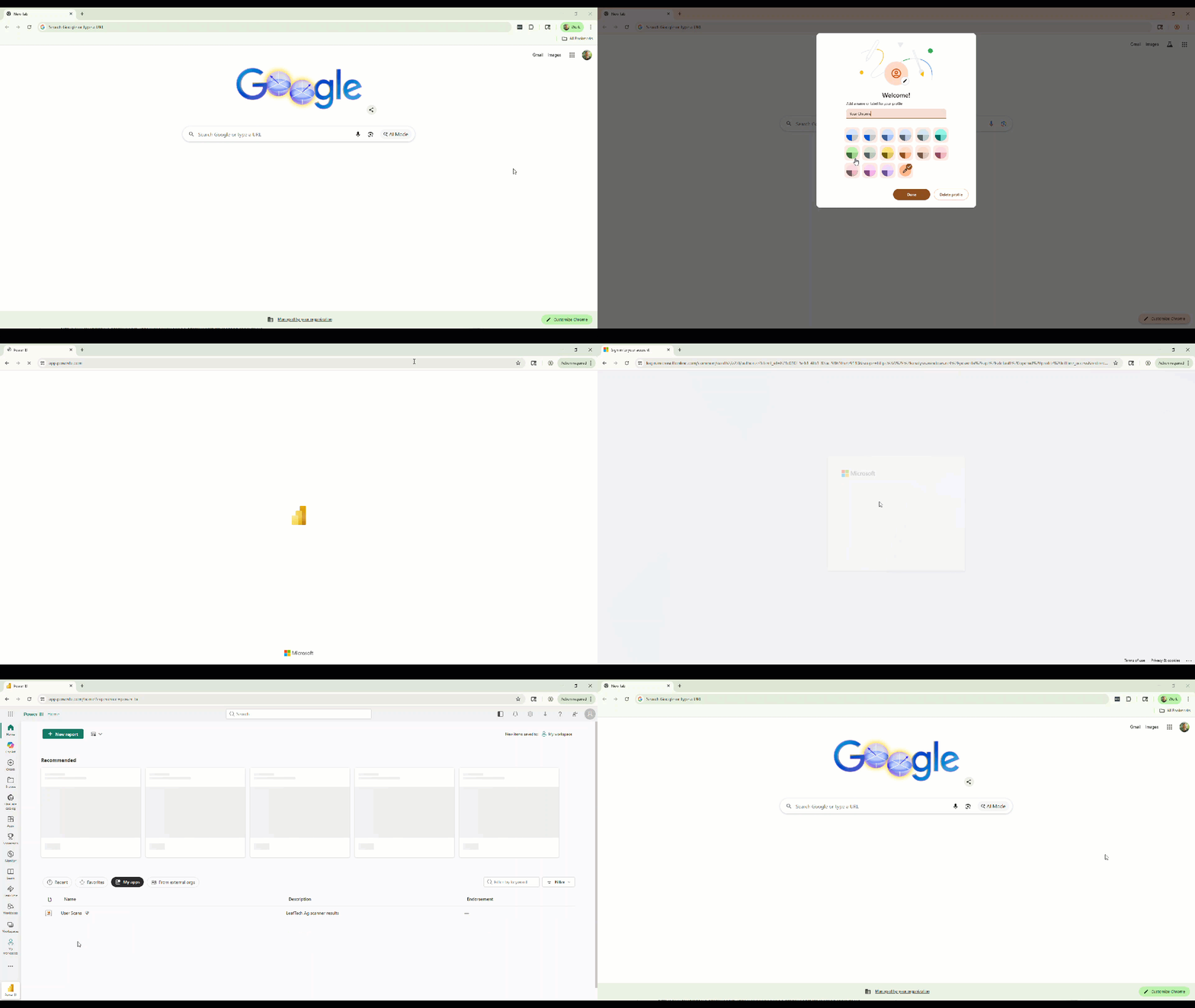
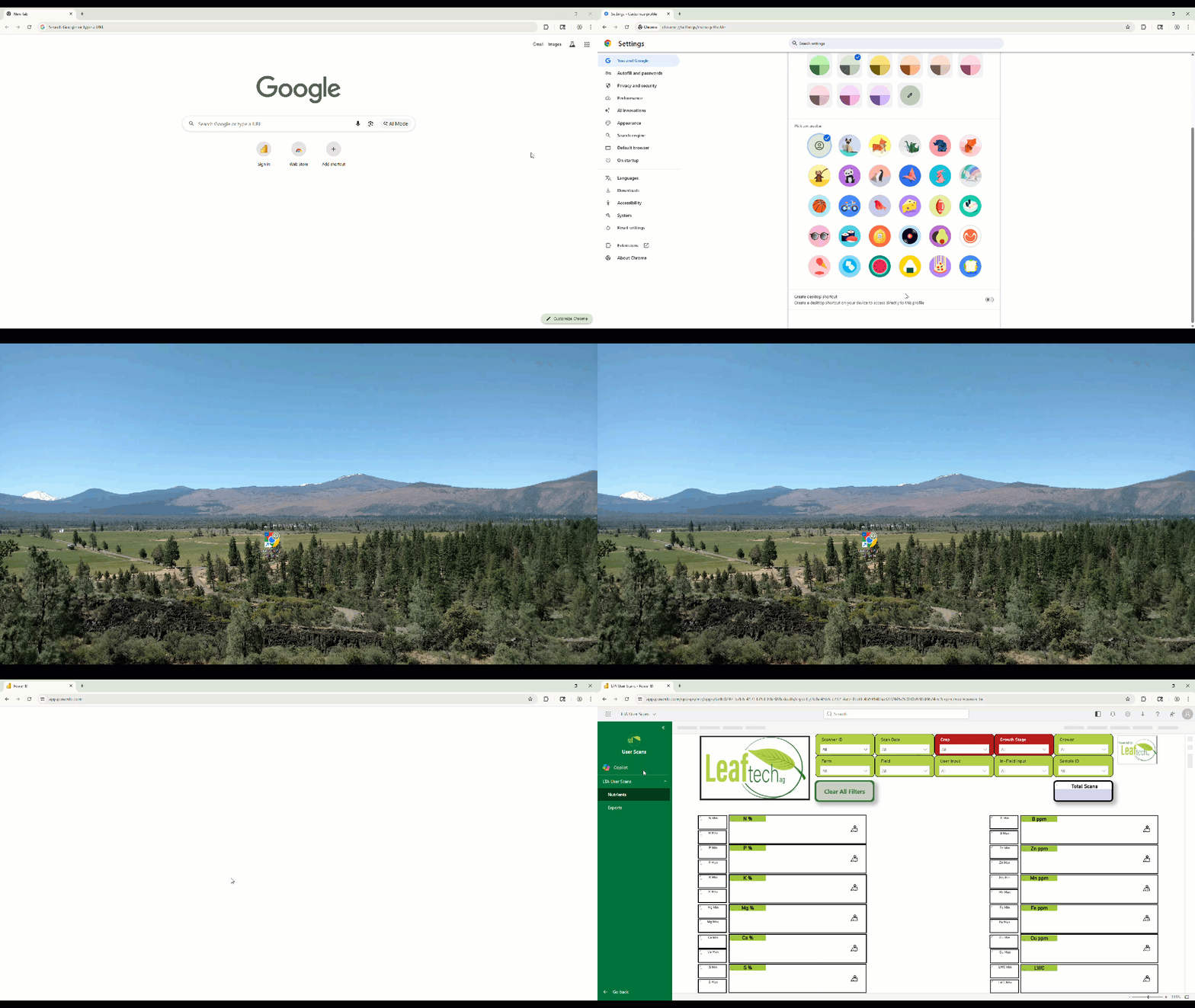
- Use a different browser or add a profile to Chrome. This will keep the accounts separate.
- Instructions for adding a profile to Google Chrome can be found here:
- Here is a video overview of the process:
- A link to the new profile can be added to the desktop and pinned to the taskbar. Leaftech Ag reports can be accessed from that link.