

Viewing Scan Images without a Network Connection

Sep 22, 2026
0

After Getting Started in the App and your phone and scanner are not on the same network.
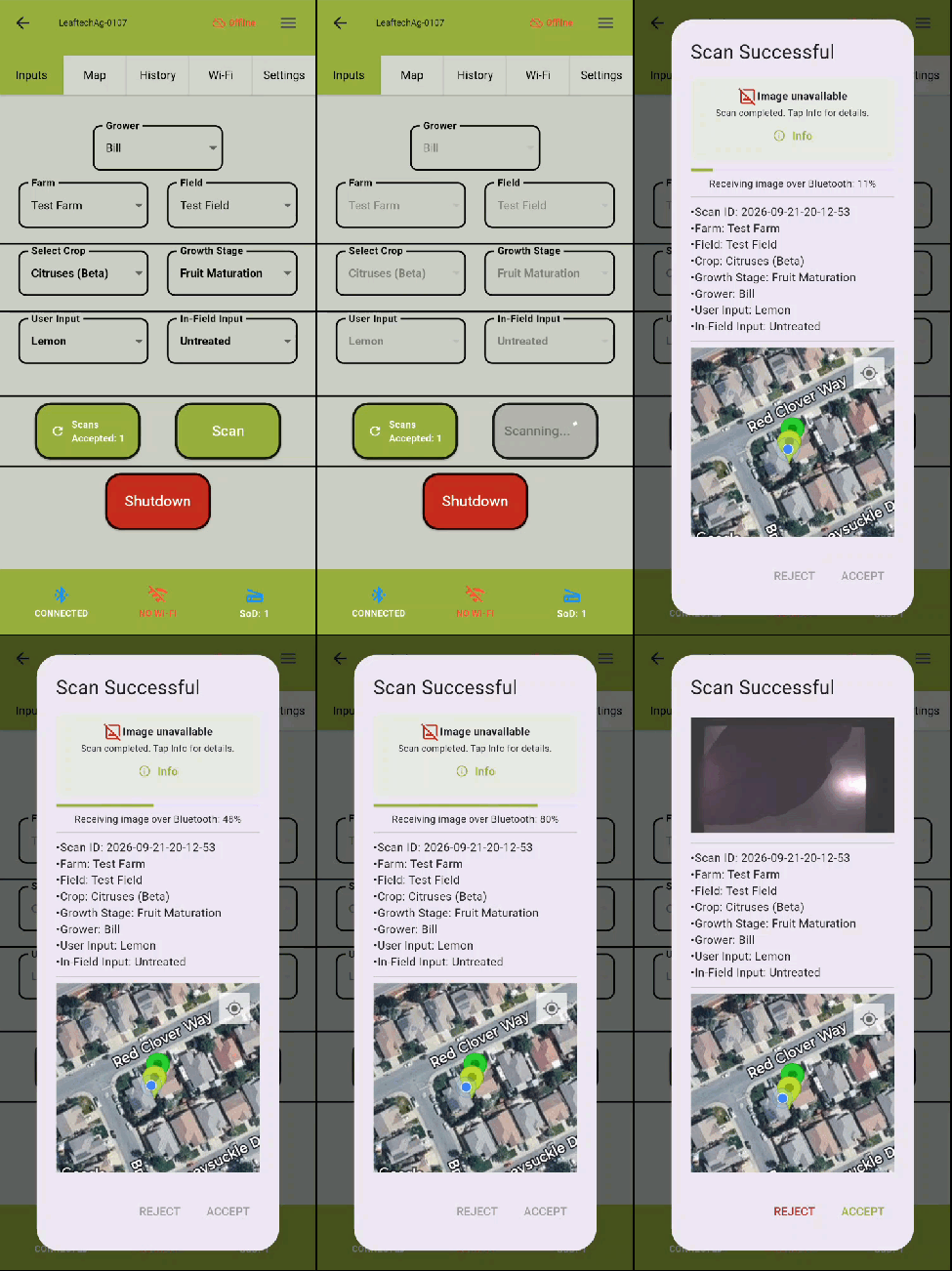
- Take a scan.
- In the scan confirmation screen there will be a message that states "Image unavailable, Scan completed. Tap Info for details."
- The info screen explains the issue. (Screen Capture)
- You can press the Download image over Bluetooth button to view image.
- Proceed with selecting Accept or Reject on the scan confirmation screen.
Next Article: Legacy Scanner Firmware

