

Viewing Scans That are Waiting to Upload

Sep 22, 2026
0

After Getting Started in the App.
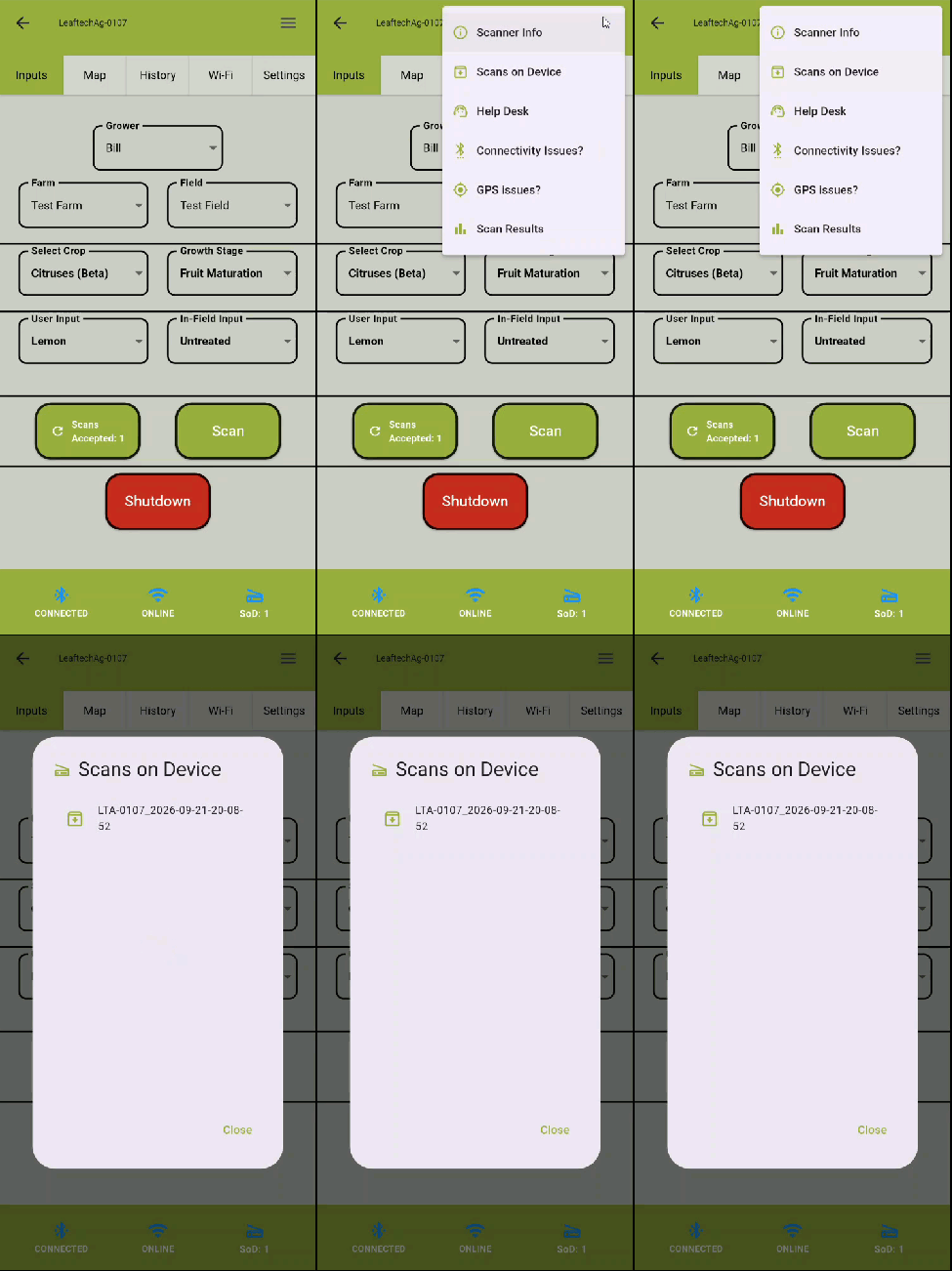
- Tap on the Hamburger Menu in the top right corner.
- Select Scans on Device.
- A list of sample IDs of any scans waiting to upload will be shown in the pop-up screen.
Next Article: Viewing Scan Images without a Network Connection

